
Documentation
Deployment
Front and backend deployment

To deploy to scaleway serverless container :
export REGISTRY_URL=rg.fr-par.scw.cloud/pp-registry-test1
export IMAGE_NAME=zkml-fashion-poc
export SCW_SECRET_KEY=xxxxxx
export VERSION=4.1.7

# we build and push the docker image
podman build -t $IMAGE_NAME:latest .
podman tag $IMAGE_NAME:latest $REGISTRY_URL/$IMAGE_NAME:latest
podman tag $IMAGE_NAME:latest $REGISTRY_URL/$IMAGE_NAME:$VERSION
podman login $REGISTRY_URL -u nologin --password-stdin <<< "$SCW_SECRET_KEY"
podman push $REGISTRY_URL/$IMAGE_NAME:$VERSION
podman push $REGISTRY_URL/$IMAGE_NAME:latest
Scaleway deploy
# we deploy the serverless container
scw container deploy $IMAGE_NAME \
    port=8000 \
    region=$SCW_REGION \
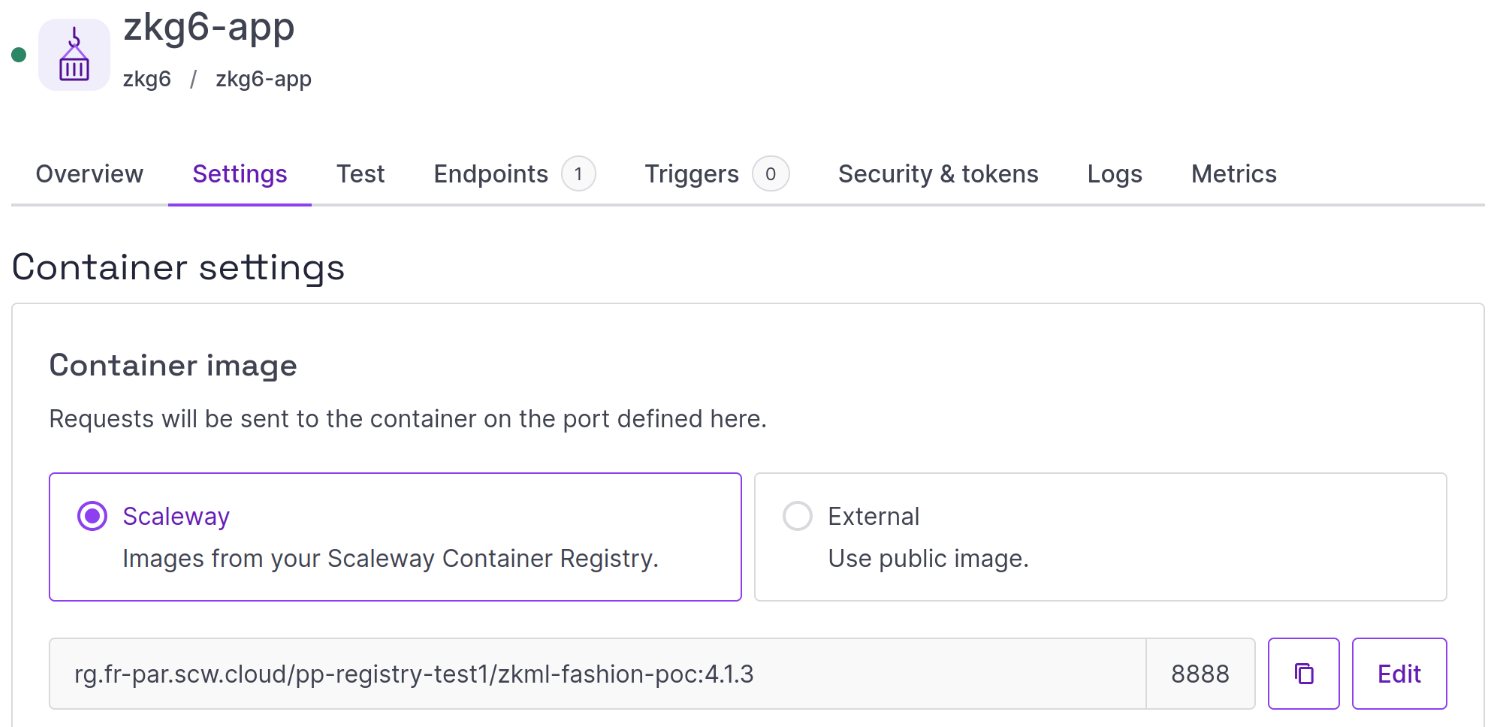
    --image $REGISTRY_URL/$IMAGE_NAME:latest \
    --min-scale 0 \
    --max-scale 1

scw container container create \
    name=$IMAGE_NAME \
    port=8000 \
    min-scale=0 \
    max-scale=1 \
    namespace-id=028c84c1-67ce-4bbc-8b84-35f5e859a198 \
    registry-image=$REGISTRY_URL/$IMAGE_NAME:latest
Container creation output:
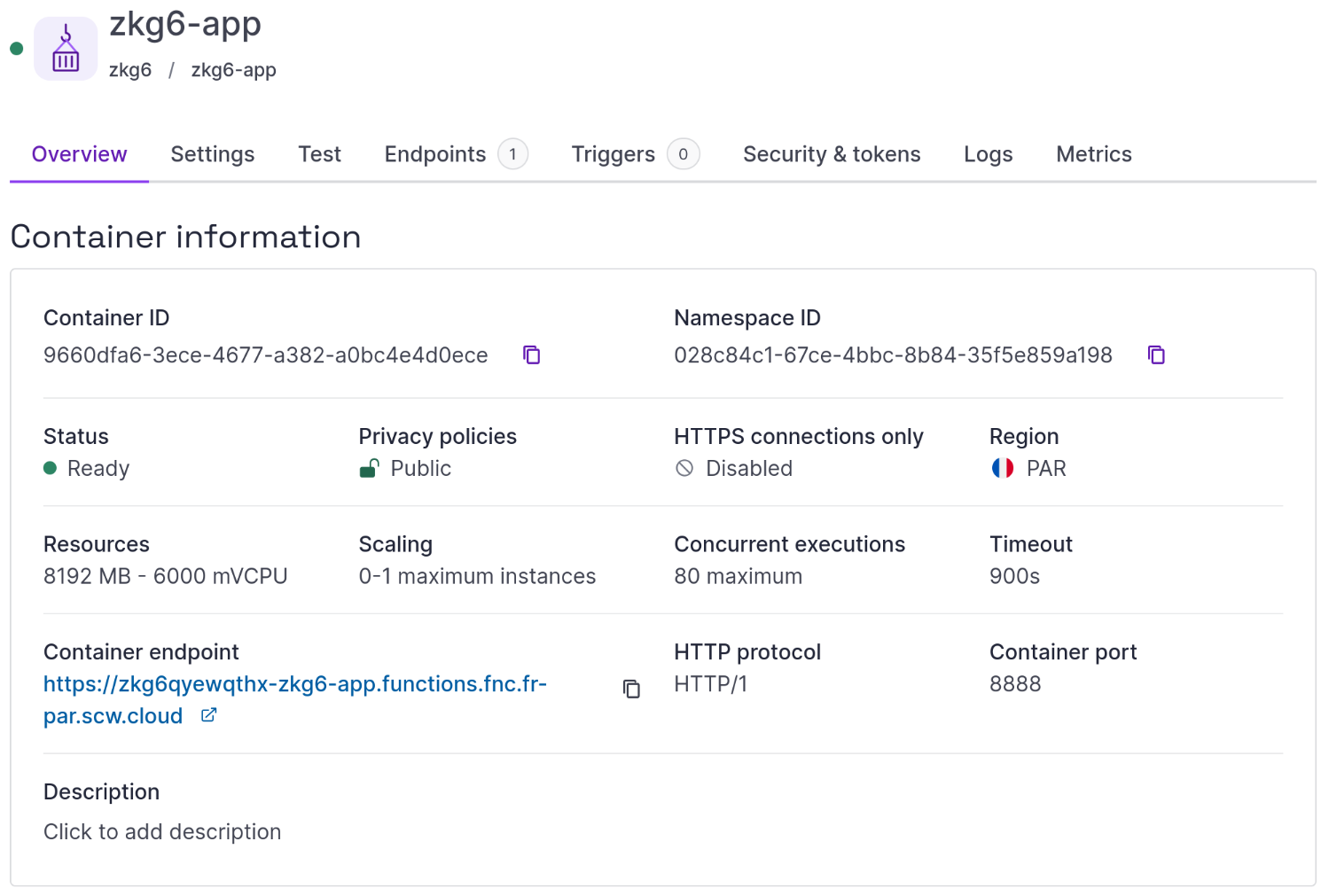
ID                                         9660dfa6-3ece-4677-a382-a0bc4e4d0ece
Name                                       zkg6-app
NamespaceID                                028c84c1-67ce-4bbc-8b84-35f5e859a198
Status                                     pending
MinScale                                   0
MaxScale                                   1
MemoryLimit                                2048
CPULimit                                   1000
Timeout                                    5 minutes
Privacy                                    public
Description                                -
RegistryImage                              rg.fr-par.scw.cloud/pp-registry-test1/zkg6-app:latest
MaxConcurrency                             50
DomainName                                 zkg6qyewqthx-zkg6-app.functions.fnc.fr-par.scw.cloud
Protocol                                   http1
Port                                       8000
HTTPOption                                 enabled
Sandbox                                    v2
LocalStorageLimit                          1000
ScalingOption.ConcurrentRequestsThreshold  50
HealthCheck.FailureThreshold               30
HealthCheck.Interval                       10 seconds
CreatedAt                                  now
UpdatedAt                                  now
Region                                     fr-par
single jupyter server
see :
- https://jupyter-docker-stacks.readthedocs.io/en/latest/
- https://docs.docker.com/guides/jupyter/#define-your-environment-in-a-dockerfile
- https://www.docker.com/blog/getting-started-with-jupyterlab-as-a-docker-extension/
collaborative notebook
zrok ??